
Basic Navigation
New to QuicklySign? Navigating the system is very simple - and we're here to help at every step of the way!
Top Right of your screen:
Access the following:
• Profile settings - Update your name, security settings and signature
• Switch between workspaces - Personal (Confidential documents) and other shared spaces
• The Recycle Bin - Find deleted documents and restore within 30 days
• Log out - Done for the day
Top Left of your screen:
• Documents (Home) - Return to your list of documents
• Workspace Admin:
- Manage workspace: Update Workspace details (Add/remove users and rename workspaces) - Only available once you create a new workspace and have Admin rights. (Configurable Per Workspace)
- Branding: Configure workspace branding to ensure your company logo appears in signing request emails
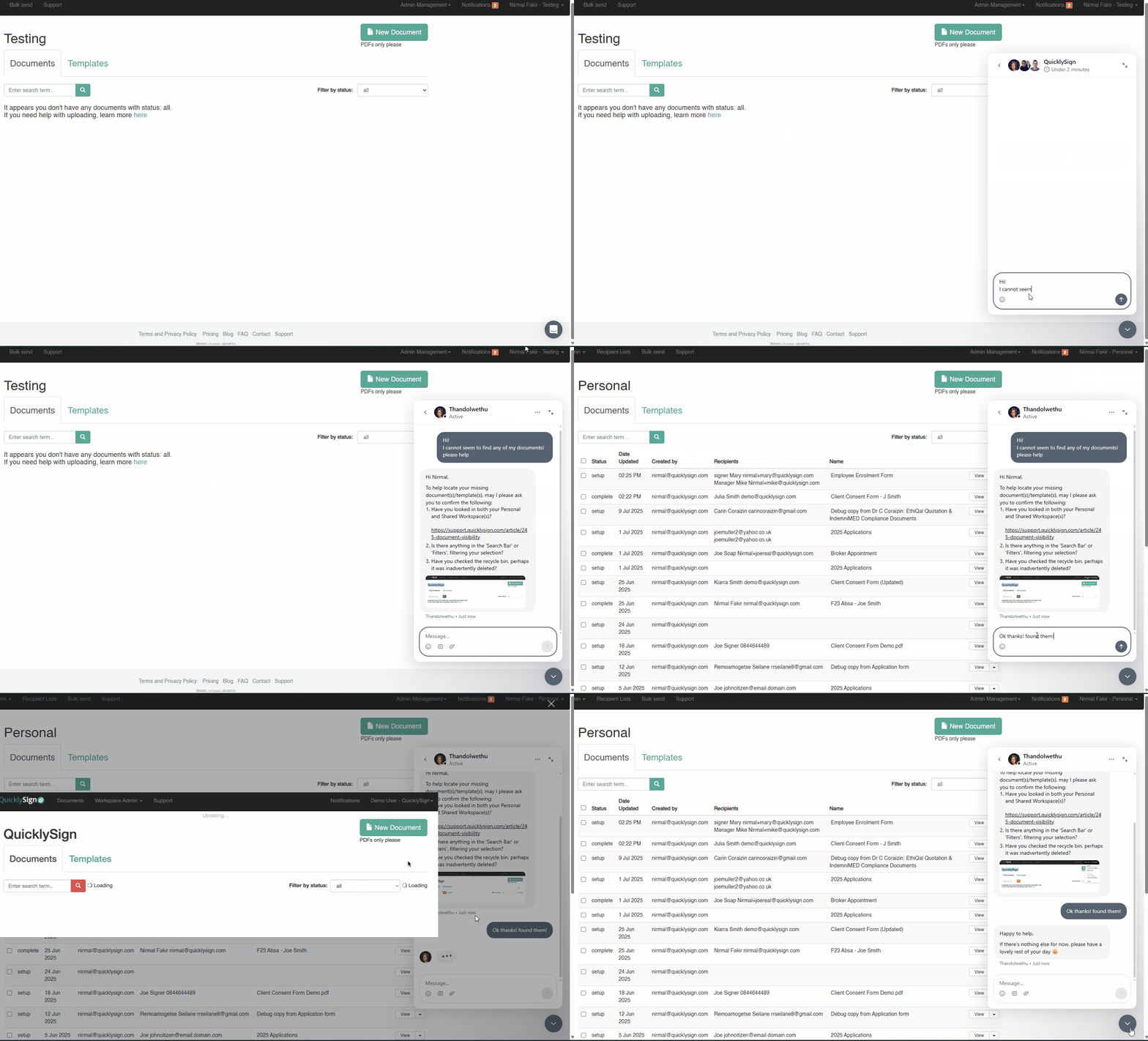
Bottom Right of your screen - Accessing Live Chat (Support)
- Click on the Grey/White chat widget
- Select "Send us a message"
- Chat with our Solutions team for assistance
-
Only available during office hours
Alternatively, please contact Support@quicklysign.com or +27 21 012 5945 for assistance.