
One Time Pins (OTPs) Not Delivering
If a signer advises that their One Time Pin has not come through, use the steps below to troubleshoot and resolve the issue Quickly.
1. Confirm the Mobile Number
Start with the basics: confirm the mobile number set up in the document is correct (Typos, missing digits, dialing code).
- Where required, update the signer's contact details. The system will detect the change and send a new signing request to your signer automatically:
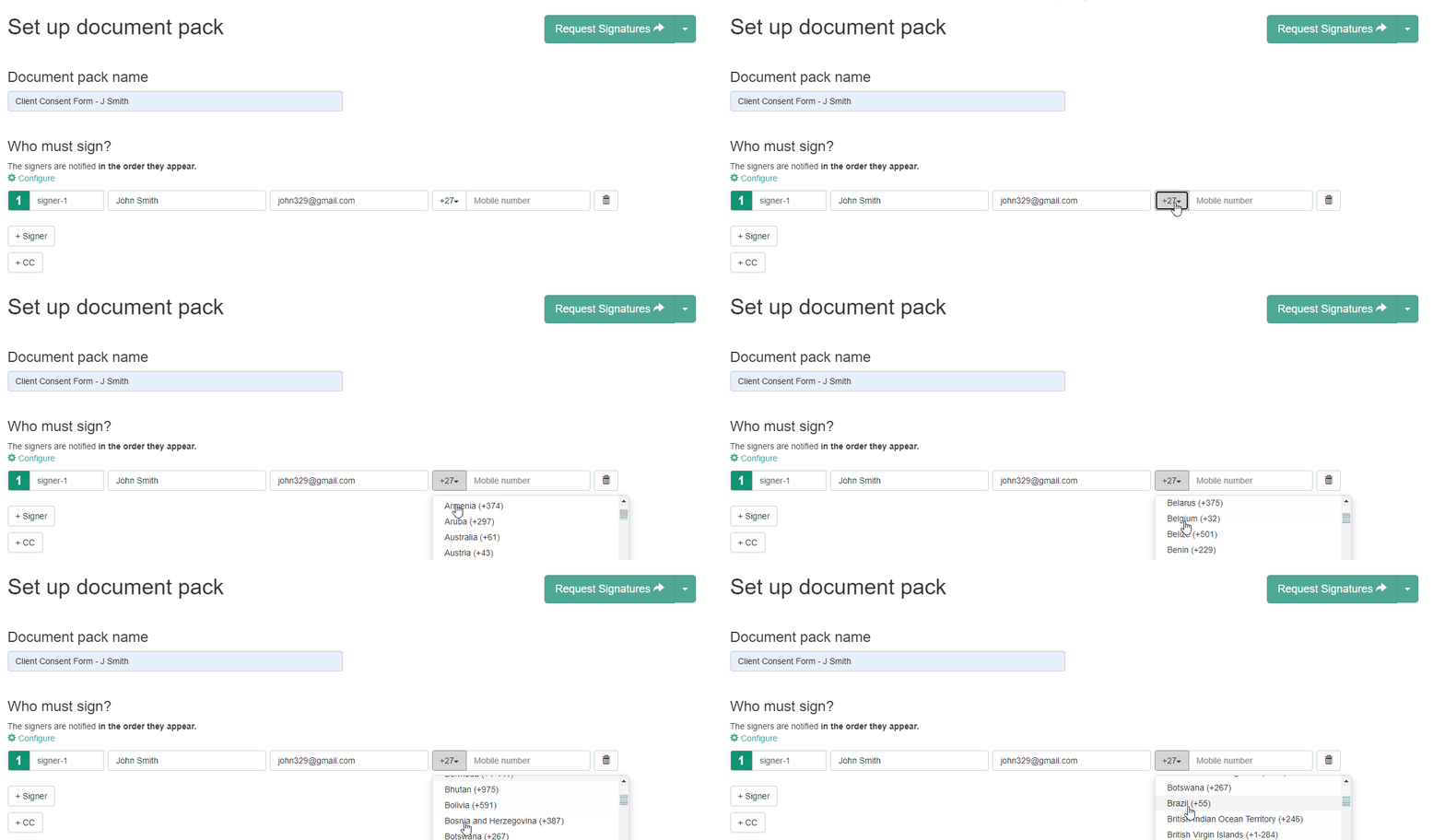
- International dialing codes:
2. Try the Built In Fallback Options
- Please ask the signer to click the signing link in their email again.
- Once the OTP screen loads, have them wait for 15 seconds for fallback options to appear.
No additional configuration is required from the sender. The fallback options are built into the system and activate automatically after 15 seconds on the OTP screen, allowing the signer to choose an alternative delivery method.
This is particularly useful if the signer has limited mobile signal, is travelling without roaming enabled, or is using WiFi or a data only SIM. In these cases, WhatsApp or voice call can often succeed where standard SMS delivery may fail.

3. Check for Call Blocking Apps or Blocked Numbers
Ask the signer if they have:
- Call blocking apps installed (TrueCaller, Samsung Smart Call, Apple Call Screening etc)
-
Previously blocked or archived any of the following numbers:
Numbers used for delivery:
- 083 921 001 7134 (Virtual Service Number - SMS)
- 083 930 0652 (SMS)
- 021 012 5945 (WhatsApp) – may be archived or blocked
- 060 018 5547 (Voice Call)
If any of the above are blocked, the signer must unblock the number before requesting a new OTP.
Should all steps above have been completed and the OTP is still not received, please escalate to our Solutions team (via in-app chat or Support@quicklysign.com), providing the URL (link) of the document.